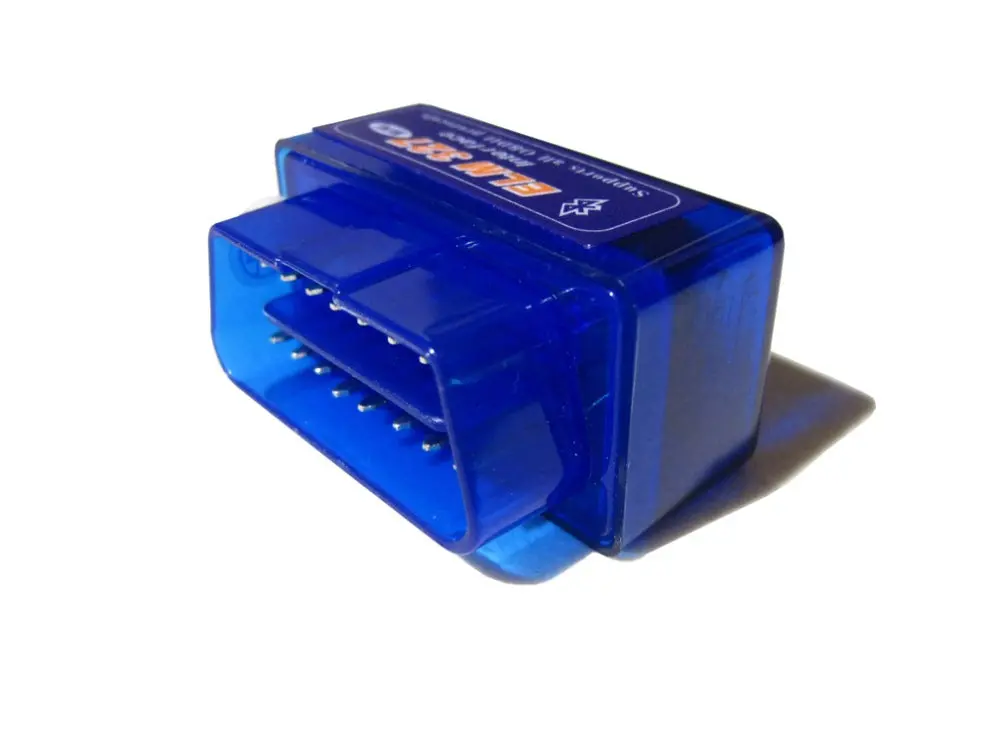
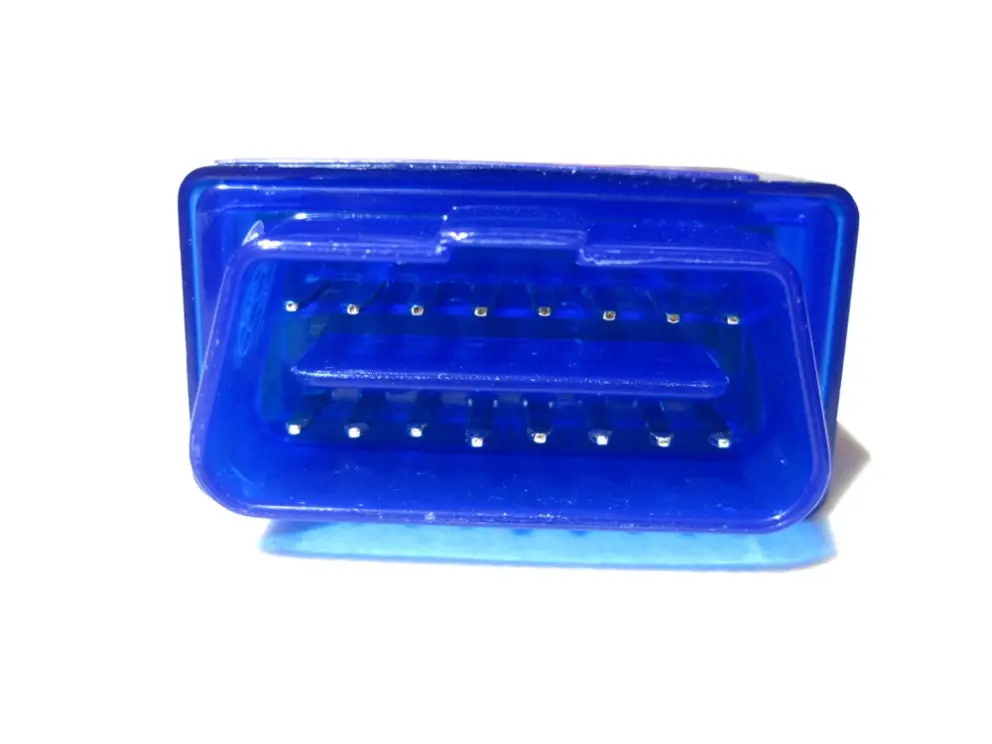
Description
By using this OBD-II diagnostic interface scanner you can easily monitor your car wireless from a Windows PC or Android/windows smartphone or tablet. Save time and money and do it yourself. Read & diagnose trouble codes (general and manufacture-specific), clear trouble codes, turn off dash warning lights and detect different parameters.
Parameters which could be read depending on the vehicle manufacturer’s implementation:
-Engine RPM
-Calculated Load Value
-Coolant Temperature
-Fuel System Status
-Vehicle Speed
-Short Term Fuel Trim
-Long Term Fuel Trim
-Intake Manifold Pressure
-Timing Advance
-Intake Air Temperature
-Air Flow Rate
-Absolute Throttle Position
-Oxygen sensor voltages/associated short term fuel trims
-Fuel System status
-Fuel Pressure
The diagnostic interface scanner is easy to use and therefore user friendly:
1. Install the supplied cd (only for Windows) or download a compatible automotive diagnostic application from (for example) Google Play.
2. Make sure you turn the car key and plug in the OBD2 Bluetooth scanner into the OBD2 connector in your car.
3. Make sure you enable Bluetooth on your device and make a connection.
4. The interface will quickly send data from your vehicle to your PC, smartphone or tablet.
5. Monitor your vehicle directly.
The OBD2 diagnostic interface scanner is compatible with most vehicles from 1996-2010. Copy and paste the following URL to acces a list of compatable vehicles: http://www.showoffimports.nl/promo/showoffelm327.pdf
Please check if your vehicle is suitable before ordering.
This interface is NOT compatible with Apple devices. Use the WIFI version for iOS devices, also available in our webshop.
Please note that the software supplied is limited. Get more out of the diagnostic interface using a free or paid app like Rev, Dynolicious, Torque or Dashcommand.
Additional information:
Size: Approx .47x25x31mm
Net Weight: 34g
Explore more from our collection.



Reviews
There are no reviews yet.